Position Switches for Water Intakes & Fishery Gates
Submerged gate and screen-position feedback for water intakes, bypass channels and fish-passage equipment, with application-specific connections.
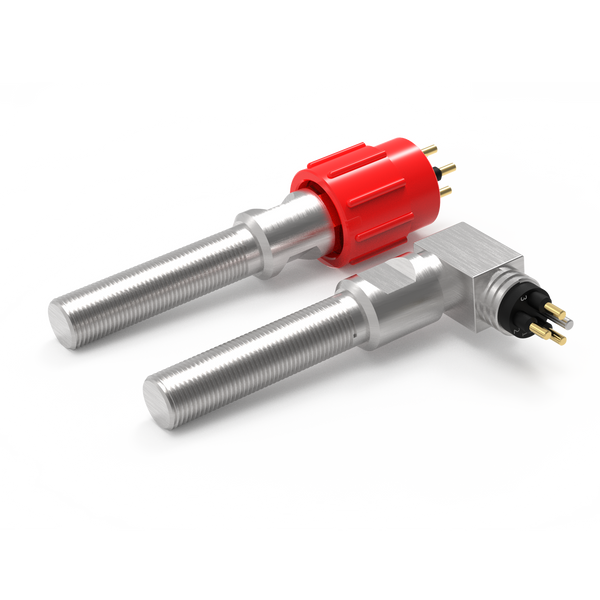
Intake and fish-passage structures contain gates, screens and removable equipment that may need defined position feedback. Where the relevant target is immersed, an underwater switch can provide a local indication at the mechanism.
The signal should describe a clear physical condition: a gate at its limit, a lock engaged or a removable screen seated at a specified point. It does not measure water flow, screen blockage or ecological performance. Those require separate instrumentation and assessment.
Choose the feedback your equipment needs.
For water intakes, screens & fish passage, start with the task below. These routes narrow the product search; the final configuration is reviewed against your installation and operating conditions.
Confirm a defined position
Review non-contact proximity switching for an open, closed, home or engaged indication.
Resolve together: Target geometry, sensing gap, mounting and required contact state.
Compare proximity switches ↗Detect physical actuation
Where a cam or moving feature can press a plunger, review a mechanical limit switch as another sensing method.
Resolve together: Operating force, travel, overtravel and a separate mechanical stop.
Explore mechanical limit switches ↗Connect the sensing point
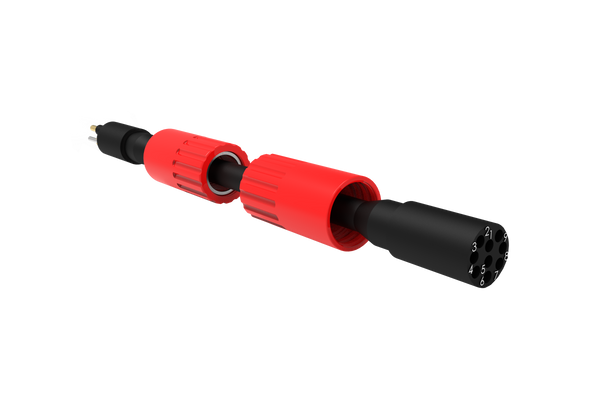
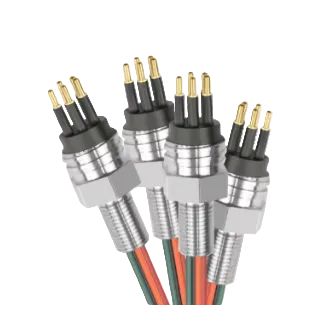
Define the lead between the sensor and equipment interface, including any movement and maintenance access.
Resolve together: Mating parts, pin allocation, cable length, routing and end termination.
Explore cable assemblies ↗Where each component fits.
Detect the defined mechanical position.
Place the sensing point around expected frame alignment and debris. Define exactly which seated position the target represents.
- Bypass and fishery gates
- Removable screens
- Maintenance isolation
Make the service interface practical.
Consider keeping the electrical interface on the fixed structure when the screen is routinely removed. Specify mating conditions if a removable harness is required.
- Exact mating reference and pin allocation
- Connection and disconnection conditions
- Access for inspection and replacement
Protect the route back to control.
Protect routing from screen-cleaning equipment and debris handling. Plan supports clear of the screen removal envelope.
- Installed route and required length
- Fixed or moving duty
- Materials, restraints and termination details
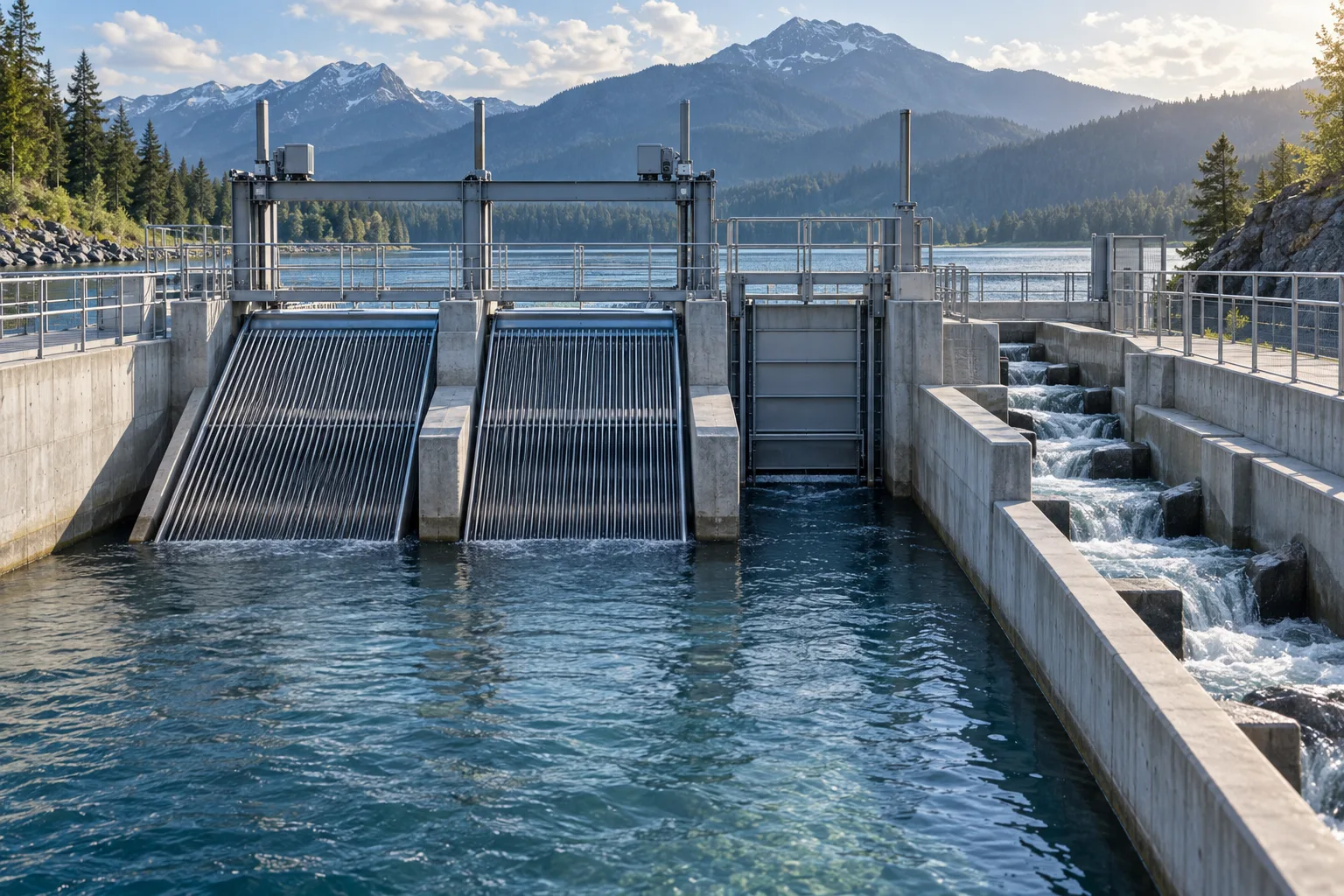
Confirming a removable screen is seated
A target on a screen frame can approach a fixed switch as the screen reaches its installation position. Include insertion tolerances, debris clearance and the lifting path in the review so removal does not strain the cable or damage the sensor.
Contact us ↗From the equipment to the input.
A typical functional path. The final arrangement depends on the equipment and project specification.
- 01
Moving equipment
Indicate a defined open or closed position.
- 02
Target & switch
The target reaches the defined detection point.
- 03
Cable assembly
A specified connection carries the switch state.
- 04
Control input
The equipment controller interprets the agreed contact logic.
The details to resolve together.
A seated signal has a defined scope
One sensing point does not establish the condition of every screen seal or retaining feature.
Plan for changing water levels
Include maximum immersion pressure and wet/dry cycling.
Coordinate with civil equipment
Gate and screen drawings are needed to establish protected mounting and maintenance access.
Bring the installation into the brief.
Share what you have. A drawing, an existing part reference or a description of the operating requirement is a useful starting point.
Contact us ↗- Equipment drawing and required switching positions
- Maximum immersion pressure, duration, temperature and media
- Target geometry, mounting space and electrical input
- Cable route, mating connector and maintenance method
Application examples describe potential arrangements, not installed DepthLink case studies. Final suitability, ratings and test requirements are agreed for the selected assembly.
What needs to be confirmed?
Bypass and fishery gates
Indicate a defined open or closed position.
Removable screens
Detect an agreed seated position where the screen frame accommodates a target.
Maintenance isolation
Monitor gate or latch positions associated with equipment access.
Before you specify.
Can this detect a blocked intake screen?
A position switch detects a mechanical target. Screen blockage usually requires other measurements, such as differential level or pressure, specified separately.
Can sensing remain on the fixed structure?
Often that is worth investigating for removable equipment. The target, switching gap and service access must support the arrangement.
See the complete connection.
Explore how DepthLink position switches, underwater cable assemblies and custom equipment interfaces work together. Contact our team to discuss your installation.
Explore system engineering ↗